
Searching Lake County Civil Dockets
For any Lake County civil case, start remotely with Minnesota Court Records Online (MCRO) Case Search. A case number is the sharpest tool. If you only have a name, pick the Civil category. Set the county to Lake. Then weigh the party role, filing date, location, and caption against what you know. Exact spellings or a trailing wildcard help with tricky surnames. Still, a shared name proves nothing by itself. Confirm the record truly belongs to the person you mean.
Clicking a result opens Case Details, which is Minnesota's Register of Actions. Its dated entries trace the case from filing through notices, motions, hearings, and orders. They run on to any judgment or other final outcome. When a document you need is missing from the remote view, try the courthouse public-access terminal, counter access, or Lake County Court Administration. One thing the search screen cannot do is issue certified or exemplified copies. Those come only through the official court process.
- Start with the Lake County civil case number when it is available, or select Civil and Lake County for a name search.
- Compare the caption, party role, filed date, court location, and case category before opening Case Details.
- Read the Register of Actions in date order and locate the final order or judgment rather than relying on a complaint or motion alone.
- Use Document Search with the known case number for an available public filing, and use Judgment Search only for docketed money judgments.
- For an official copy or a remote-access gap, contact Lake County Court Administration or use the courthouse terminal and copy-request process.
Lake County Civil Filing Access
Civil filings in Lake County belong to the Lake County District Court. Court Administration is the office that handles access to those court records. The official Lake County court page lists a public-access court-record computer at the courthouse. That terminal matters. A public case is not always complete in the remote MCRO view. A local paper record or the courthouse computer can open a channel the online search cannot.
The district court holds original jurisdiction over Lake County civil, family, probate, juvenile, criminal, and traffic matters alike. Minnesota has no separate Lake County superior court for ordinary civil filings. An appeal reviews the district-court record, possibly before the Minnesota Court of Appeals. It is never a second run of the same civil case on MCRO.
Questions about an official civil record go to Lake County Court Administration. The county attorney or a city office may hold related material of its own. But neither keeps the civil Register of Actions. That record lives with the court.
Inside a Lake County Civil Docket
In Minnesota, the civil docket goes by the name Register of Actions. Think of it as the procedural spine of the case. It records the title, origination, activities, proceedings, and filings. A Lake County civil Register of Actions can list the case number, category, parties, filing date and location, events, motions, notices, orders, hearings, and judgment or disposition details. Entries run brief, though. They rarely reveal the complaint, the answer, exhibits, discovery, settlement terms, a transcript, or the reasoning behind an order.
One civil format you may see is 16-CV-26-00000, offered only as an illustration of the layout. The CV portion is a civil type abbreviation seen in practice. Category and status come from the actual court record, never from the code alone. Before drawing conclusions from a "judgment" entry, read it beside the judgment record, any satisfaction information, and later orders that could affect enforcement or appeal.
| Caption and parties | The procedural title and named parties. These fields do not resolve the merits of a civil dispute. |
|---|---|
| Case category | The broad civil grouping, such as major civil, minor civil, conciliation, or eviction. |
| Filed date and location | When the case or filing entered the court record and the court location tied to it. |
| Events and settings | Dated notices, motions, hearings, and orders that show procedural progress. |
| Judgment or disposition | A formal result that should be checked for satisfaction, modification, or later appellate activity. |
Lake County Civil Document Search
MCRO Document Search works from the case number first. Type in the known Lake County civil case number. See whether a public document turns up under the remote-access rules. Some documents appear online at no charge. Availability hinges on the filing date, the case type, the document type, and the Rules of Public Access. So a Register of Actions entry is no promise that the filing itself is viewable.
The state's own guidance: documents filed on or after July 1, 2015 are generally available in major and minor civil cases, with exceptions. Family cases get narrower remote access. And court-prepared orders, judgments, opinions, and notices can carry a different status than party-submitted family documents. A document missing online is an access question, not proof the filing never happened.
The MCRO Document Search source shows the known-case-number field used to look for available Lake County civil docket documents.
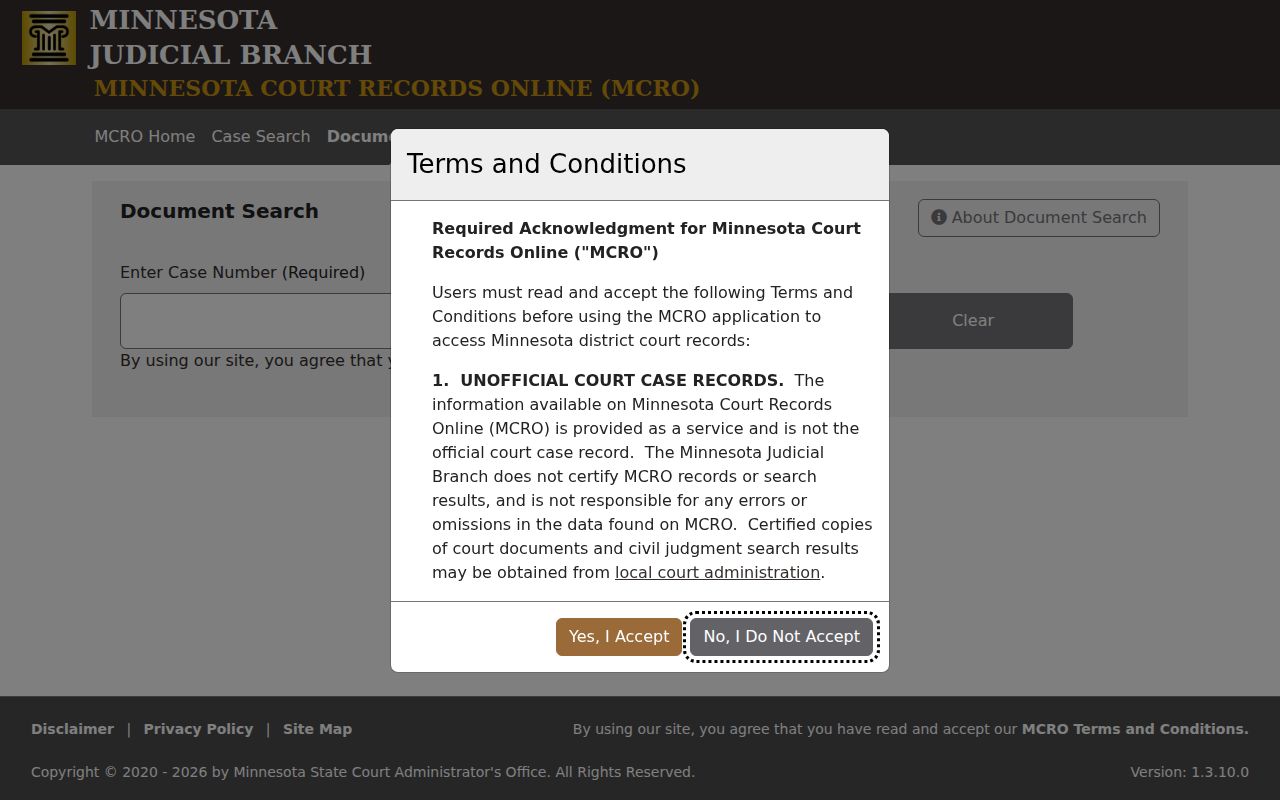
The case number ties the docket history, the document search, and any local copy request together. A remote result is still not a certified record.
Civil Case Types on the Docket
The civil docket in Lake County District Court covers a wide range of matters. Major and minor civil cases sit there. Conciliation court, evictions, and other civil proceedings sit there too.
Family, probate, and mental-health cases run under separate court categories. Those categories also carry separate access boundaries.
A search interface may lump several case types together on one screen. That does not make them ordinary civil docket results. So check the category before assuming what you are viewing.
| Lake County case path | What the Register of Actions may show | Access point |
|---|---|---|
| Major or minor civil | Filings, motions, hearings, orders, and any judgment or disposition. | MCRO, Document Search when available, courthouse terminal, and Court Administration. |
| Conciliation court | Case events and a possible money judgment; the judgment search is not the full case file. | MCRO, Judgment Search, Guide & File, and Court Administration. |
| Eviction | A civil case with distinct notice and timing concerns; the docket should be read as a case record. | MCRO, Guide & File, local court access, and the court’s hearing channels. |
| Family or sensitive civil matter | Entries may exist while some documents are limited or unavailable through remote access. | MCRO where available, courthouse terminal, and Court Administration. |
Note: A civil category only describes the court path. To understand an individual outcome, read the underlying order and the full docket history.
Lake County Conciliation Form Help
Minnesota Guide & File walks a self-represented person through an interview. It turns the answers into printable forms. Conciliation and eviction matters are covered. Think of it as form help, nothing more. It gives no legal advice. And it is not a civil docket search. The Lake County fee page lists conciliation first-paper fees on its own. The court itself confirms filing requirements and any case-specific costs.
The tool works best before a dispute becomes a Lake County civil case. Once a case is filed, MCRO is the tool that tracks it. These are separate jobs. A party with a filed case should pull its case number and check the Register of Actions. Ask for the order or certified copy when a formal record is needed. The Guide & File source shows the official form-interview path that may come before any Lake County civil docket entry appears.
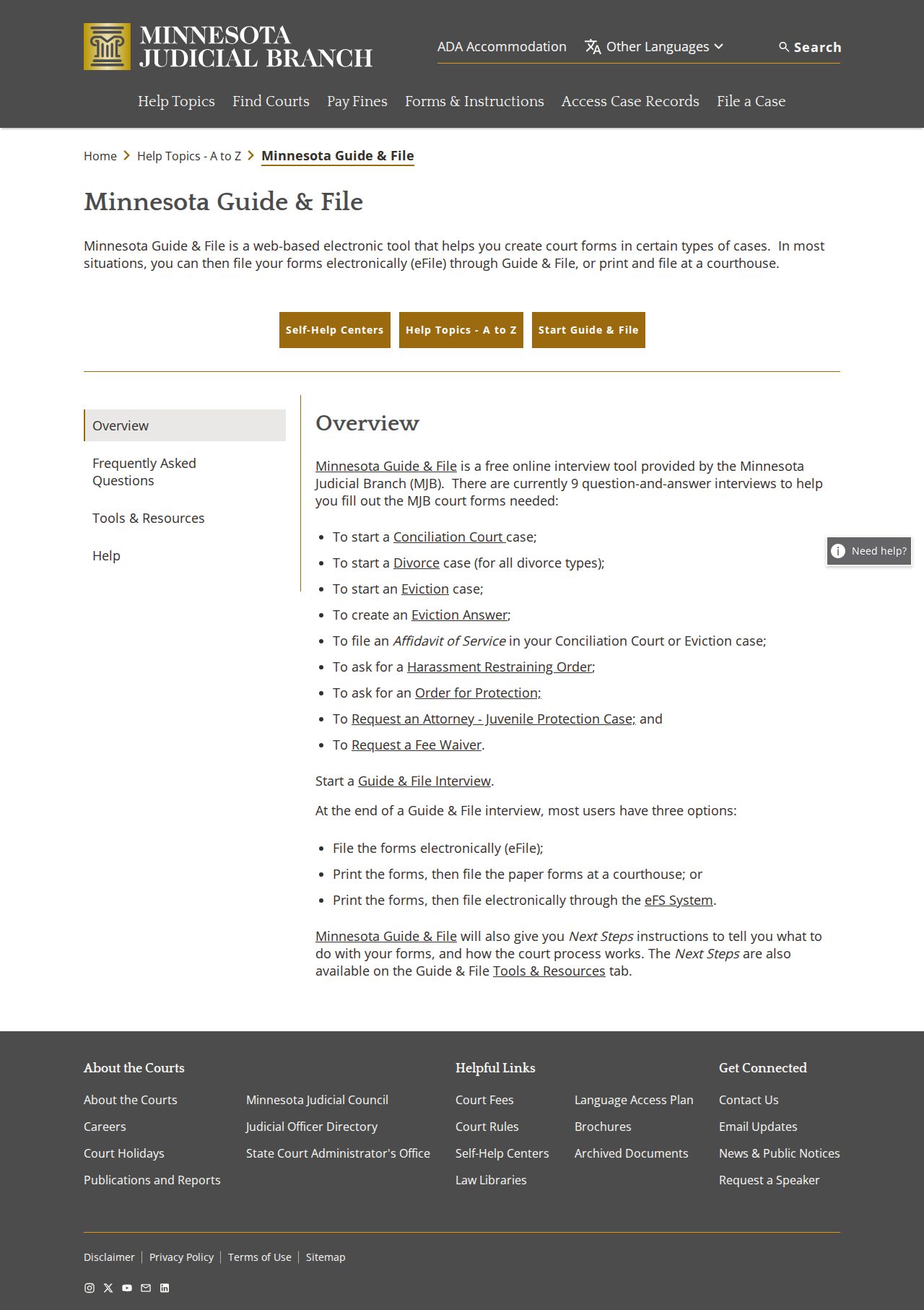
The interview tool can help you prepare eligible forms. Still, it gives no final case result and no substitute for a search of the court record itself.
Civil Docket Settings and Hearings
A civil setting is a scheduled court event, not a finding. Lake calendars carry labels like Initial Case Management Conference and Motion Hearing. The first kind of setting organizes a case. A Motion Hearing takes up a motion. Yet the docket label alone will not tell you the full issue, the evidence, or the outcome. For that detail, read the motion and the order when public access allows.
MCRO Hearing Search lists scheduled hearings by name, case number, judicial officer, or attorney. Lake County is a location choice. Check it against the local daily calendar too. A scheduled entry can be continued, reassigned, cancelled, or left off a remote calendar later. When showing up matters, confirm with Court Administration.
The Lake County daily calendar only looks forward. The Register of Actions is the case's chronology. It may later show a continuance, an order, or another step the court took.
Lake County Civil Copy Requests
Need a Lake County civil record in official form? Start with the case number, then ask Lake County Court Administration which copy fits. The Sixth Judicial District copy-request form lets you pick delivery and certification options. Three kinds exist. A plain copy simply reproduces an accessible record. A certified copy is authenticated by Court Administration as a true court record. An exemplified copy is the most formal package, sometimes required for use in another jurisdiction.
The remote MCRO view helps you spot the right case and document. It cannot produce a certified record. For current court fees, the official Lake County fee schedule governs. Where remote access falls short, other tools help. The courthouse terminal and the Court Administration counter still complete the civil access chain.
Lake County Judgment Versus File
MCRO Judgment Search homes in on docketed money judgments and satisfactions. Search it by debtor name, docketed date, judgment status, or location, Lake County included. It answers a narrow question well. Was a qualifying judgment docketed, and has it been satisfied? It is not a full sweep of every civil dispute, filing, or order.
A civil case file holds much more. The complaint, answer, notices, motions, exhibits, and hearing history can all sit inside. Orders and later filings can too. A judgment is just one formal entry in that record. If money is at stake, scan the Register of Actions. Look there for a satisfaction or a later modification. When a record must be recorded, enforced, or filed somewhere else, ask Court Administration. Request whichever copy form it calls appropriate.
Plain, certified, and exemplified copies authenticate at different levels. Turn to the Lake County district-court fee page and the official Sixth District copy-request form. They list current copy choices and charges.
Civil Docket Access Rules
What governs Lake County court records? The Minnesota Rules of Public Access, not the general Minnesota Government Data Practices Act. Minn. Stat. § 13.90 pulls the judiciary out of that act. It points to Supreme Court rules instead. Rule 8 opens up Registers of Actions, calendars, indexes, judgment dockets, and documents. Remote access stays narrower in several categories.
Some data gets shielded from remote view. Addresses, financial-account information, and telephone numbers are among the protections. So are identifying details for jurors, witnesses, and victims. The same principles limit family material online, especially party-filed documents. Court Administration can explain how to make an official request. A court order or rule can still restrict a record further.
Access distinction. Rule 4 addresses restrictions imposed by court order and the relationship between official transcripts and supporting recordings.
Rule 8 sets the public-access and remote-access boundaries for court records.
Public availability at a Lake County courthouse does not always mean a civil document is searchable or downloadable remotely.
The Rule 4 source lays out the court-ordered restrictions that can affect a Lake County civil docket or a related record.

Use the remote system for what it offers. Use the Lake courthouse terminal for a broader public view, and Court Administration whenever an official or certified record is required.