
How to Search Cases by Name
Name searches run through Minnesota Court Records Online, or MCRO. Click the Name tab. Type the legal name exactly as it appears in the Lake County case. Selecting Lake from the county controls keeps the results local. Fill in Last Name, First Name, and Middle Name where you can. A wildcard needs at least two characters first. Sounds Like casts a wider net, though it cannot be combined with a wildcard. A name match is only a starting point. Check the case number, category, filing date, party role, and Lake County location before opening a result.
- Open MCRO Case Search and select the Name tab.
- Enter the name exactly, or use a trailing wildcard after at least two characters when spelling is uncertain.
- Set Court Locations to a specific county and select Lake. Add a filing-date range or case category only when it will narrow the results.
- Run the search, open a likely match, and review Case Details, Minnesota's name for the Register of Actions.
The search controls MCRO displays are summarized here. The live Case Status list can change, so open that menu rather than working from a saved set of labels.
| Field label | Type | Required | Lake County search note |
|---|---|---|---|
| Last Name, First Name, Middle Name | Text | As applicable | Use the exact fields, a trailing wildcard, or Sounds Like. Do not combine the latter two methods. |
| Date of Birth | Date or range | No | MCRO accepts MM/DD/YYYY format where the control is available. |
| Date Filed | Date or range | No | Use it to distinguish similarly named Lake County matters. |
| Case Category | Checkboxes | No | Civil, Criminal, Family, Probate, or Mental Health can narrow a Lake County search. |
| Case Status and Court Locations | Dropdown and county picker | No | Select Lake County, then execute the county search. The picker alone does not run a case search. |
Note: MCRO is an unofficial public-access tool. When accuracy matters, confirm any name result against the official Lake County court record.
Lake County MCRO Case Search
MCRO is the statewide remote layer for Lake County District Court. It is not a county database of its own. Its tabs handle Name, Case Number, Citation Number, and Attorney searches. Clicking a case opens Case Details. The public Register of Actions there lists the procedural history plus any public documents the access rules allow. That limit matters. A result proves a case is filed. It does not put every pleading, exhibit, recording, or order text online.
The Judicial Branch treats MCRO as a search interface. It treats Minnesota eFile and eServe as a filing and service tool for court users. eFS does not replace a Lake County case lookup. Start with MCRO. Then turn to the courthouse terminal or Court Administration when the remote record lacks public detail you need.
A question may outrun the public result. The Judicial Branch's district-court contact form offers a documented way to reach the court. It requests help; it does not stand in for the Register of Actions or a certified copy.
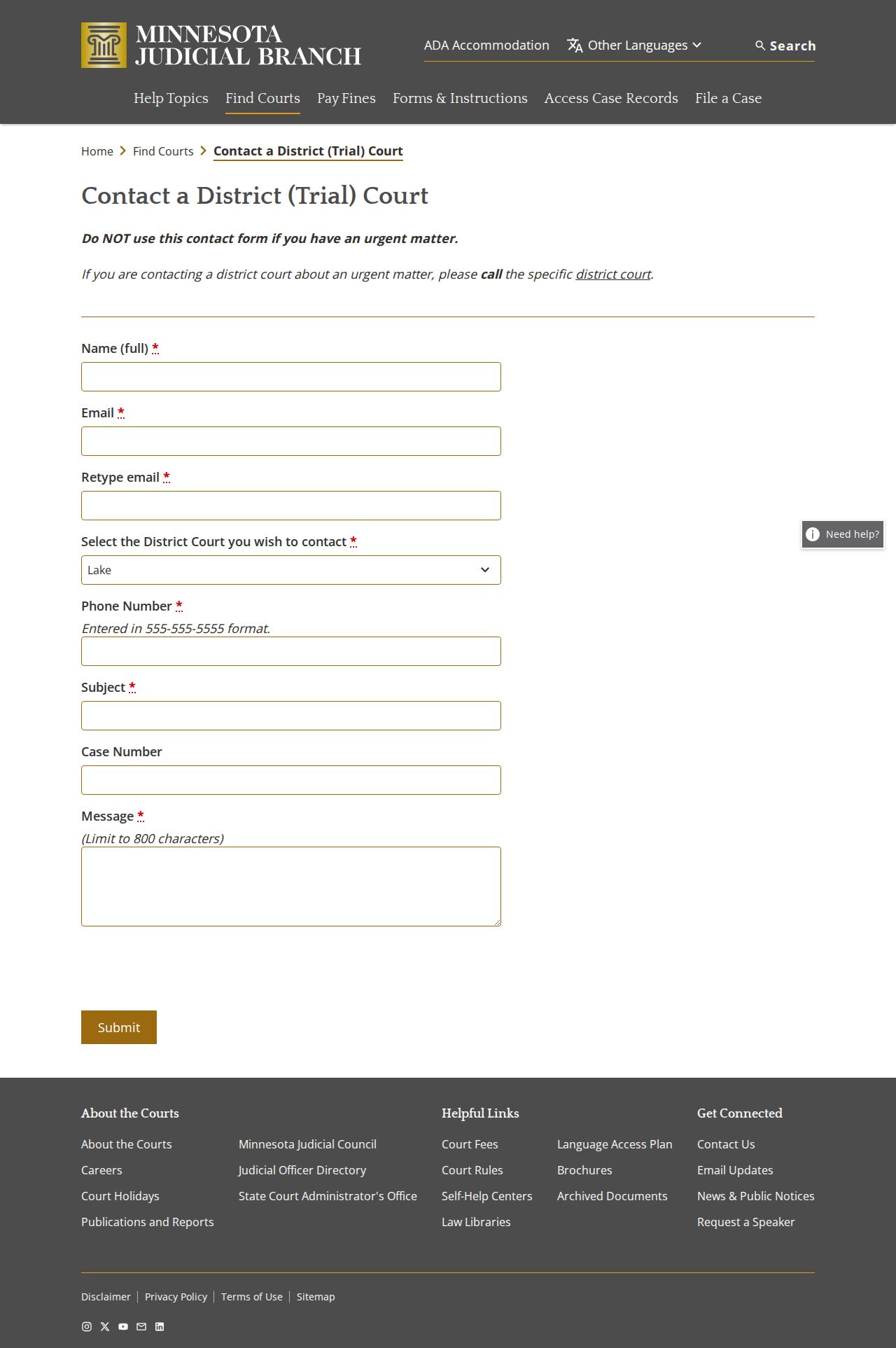
Lake County Court Administration can walk through local access options, including how a remote result differs from a copy pulled from the court file. The county's Court Administration page is another useful local reference.
Lake County Case Name Checks
Treat a Lake County name search as a matching exercise rather than a conclusion. Line up the case category, filing date, court location, party role, and case number. Only then decide a result belongs to the right person. An alternate spelling can justify a trailing wildcard after two characters. Sounds Like has to run on its own. A narrow, Lake County-filtered result beats a broad statewide one every time.
Too many results? Narrow with a county filter, a date-filed range, or a case category. No results? Then try the case number or citation number instead. A Lake County record may be restricted. It may sit outside remote access or live in a paper file. The public terminal and Court Administration come next.
How to Search by Case Number
A Lake County case number is the sharpest search tool you have. Enter it on the Case Number tab in MCRO. Keep the code and number sequence exactly as printed on the citation, notice, or court paperwork. Traffic files show up in formats like 16-VB-26-00095. Criminal, civil, family, and juvenile matters use codes such as CR, CV, FA, and JV. Those codes signal the broad category. They are not a result, and the full record always controls.
A known number also helps. It works even when a Lake County case stays hidden from a remote name search. Rule-based name-search limits can affect pending criminal, traffic, or petty-misdemeanor cases with no conviction. The case number can still pull the record, subject to the access rule in play. Ask Lake County Court Administration for a copy. Keep the number with the document title.
Lake County Case Code Clues
Lake County District Court follows Minnesota's MNCIS numbering structure. One case number ties together the filings, hearings, judgments, and requests in a matter. The prefix offers a quick orientation. The record's own stated category still controls. You may see CR for criminal, VB for payable traffic, and CV for civil. FA and JV cover family and juvenile matters. Access rules differ too. Some Lake County case types allow less remote viewing than others.
Read the code alongside the filing date, court location, party names, and status. A caption is only a procedural title, never a finding. A defendant label does not prove a conviction. A scheduled hearing does not reveal what happened in the courtroom. Check those distinctions. It keeps a Lake County docket search from turning one short row into a conclusion.
Lake County Case Document Path
A case number is also the best key to a public Lake County document. Type it into MCRO Document Search and select Find Documents. Sort the results by title or date until the right filing appears. This approach beats a broad name query. Use it when you already know the order, complaint, judgment, or motion you need. It also gives Lake County Court Administration the exact document title for a plain or certified copy request.
Keep document availability separate from the Register of Actions. The case history can list an event even though the item itself is not viewable remotely. That gap is a prompt, not a verdict. Ask about courthouse access or a copy request rather than assuming a Lake County document was never filed.
What a Case Search Shows
Open Case Details. You get the Lake County Register of Actions, the procedural spine of the matter. It lists the title, origination, activities, proceedings, and filings. The entry is a locator, not the full record. Its short text will not carry the whole motion, exhibit, transcript, hearing recording, or order. Treat the dates and event labels as procedural facts first. Then pull the actual public document when the precise ruling matters.
| Case number | The court-assigned identifier that links Lake County filings, hearings, and requests. |
|---|---|
| Caption and parties | The procedural case title and named roles. Names alone are not reliable identifiers. |
| Case category | A broad group such as Civil, Criminal, Family, Probate, or Mental Health. |
| Filed date and location | When the case or filing was docketed and its associated Lake County court site. |
| Events and hearings | Chronological entries, scheduled settings, orders, dispositions, and related public activity. |
| Public documents | Available only to the extent allowed by the Rules of Public Access, case type, and document date. |
A continued hearing simply means the setting moved. It says nothing about why. Before calling any disposition or judgment final, read the entry itself plus any later satisfaction, modification, or appeal information.
Lake County Case Document Searches
Have the Lake County case number? Skip the broad name search. Use MCRO Document Search instead. The screen offers an Enter Case Number field. A Find Documents control and a Clear Case Number control sit nearby. Remote availability is broad but not total. Documents filed on or after July 1, 2015 are generally viewable for major and minor criminal and civil cases. Several probate-related matters are included too, subject to exceptions. Some court-generated documents from July 1, 2005 through June 30, 2015 may also appear.
Family records run under different boundaries. Court-prepared orders, judgments, opinions, and notices can be treated differently from party-submitted family documents. So a missing Lake County PDF does not prove the record is absent. Try the courthouse terminal. Try the local paper file, or a request to Court Administration as the next channel.
Lake County Case Hearing Searches
Need a scheduled hearing rather than a full courtroom view? MCRO Hearing Search is the Lake County tool. Tabs cover Name, Case Number, Judicial Officer, and Attorney. You can narrow by an exact hearing date or date range, category, and specific-county location. Results link back to Case Details. So pair the hearing result with the Register of Actions to read the procedural history in full.
The Lake daily calendar is a separate source of public settings. A listed hearing can be continued, cancelled, reassigned, or left off the calendar. Do the case search and the calendar conflict? Call the Lake County court office before deciding whether to attend.
County vs Statewide Case Search
MCRO can run statewide or be narrowed to Lake County. Statewide mode helps when the county is unknown. It also helps when a party may have cases in more than one Minnesota location. Narrowing to Lake County separates local matters from similar names filed elsewhere. One limit applies either way. Neither option reaches federal court cases. Those live in PACER or the District of Minnesota system, not the Lake County Register of Actions.
| Search path | Coverage | Best use | Important limit |
|---|---|---|---|
| MCRO statewide | Available Minnesota public case information | Finding a case when the county is uncertain | Remote limits and name-search exclusions still apply. |
| MCRO with Lake selected | Lake County District Court results within the statewide system | Separating a local case from like names | It is not a separate Lake County database. |
| Lake courthouse terminal | Broader public electronic view at the courthouse | Following up on incomplete remote access | Staff should be asked about current terminal behavior and paper files. |
| Federal PACER | Federal cases, including District of Minnesota matters | Federal litigation or bankruptcy research | It does not return Lake County state court cases. |
Lake County Case Courthouse Access
Lake County District Court confirms a public-access court-record computer sits at the courthouse. The terminal can show a broader slice of Lake County records than remote access allows. Legacy descriptions of that terminal mention searches for criminal, traffic, petty, civil, family, probate, judgment, and calendar information. They also mention opening a case-number link to the Register of Actions. Treat that older material as vocabulary, not a map of the current screen. Screens change.
A trip to the courthouse is also the fallback plan. It applies when a Lake County result is restricted. It applies when a public document is not viewable online, or when the case predates the electronic file. Court Administration can tell you whether the next step is terminal inspection. It may instead be a paper-file request, or a plain or certified copy. The official Lake County court page lists the local public-access route. It also lists current court contact information.
Restricted Cases and Access Rules
Minnesota's Rules of Public Access govern what Lake County can share. Rule 8 lets you inspect and copy accessible records. That happens at the normal place of access during regular hours. Remote access is narrower, though. It excludes protected identifiers, street addresses, financial-account data, and details that could identify jurors, witnesses, or victims. Some case types stay off remote docket search almost entirely. Orders for protection, harassment matters, child protection, certain juvenile files, and some civil-commitment material may never show up that way.
MCRO posts a helpful note on this. Some records sit in MNPAC, at the courthouse, or with Court Administration instead. Pending criminal, traffic, or petty-misdemeanor cases without a conviction can be limited in a remote name search. Yet a case-number search may still return an accessible record. A blank result means little. It could be a spelling mismatch, a remote exclusion, or a restricted file. It does not prove that no Lake County case exists.
Lake County Case Search Limits
MCRO comes with rules worth knowing. Its terms bar automated data mining. The online result is not the official court record. Treat a Lake County search as a way to find a case, a court date, or a public filing. It is not a tool for building a profile of one person. Some records show birth dates, home addresses, or victim details. Leave those fields alone. When you truly need to verify a Lake County matter, ask Court Administration for the record itself.
Need numbers instead of a single case? The Judicial Branch posts weekly bulk-data extracts for approved statistical work, under its own data-use terms. That program stands apart from an individual Lake County case lookup. It opens no restricted information to the public. For a known public file, stick with the official paths: MCRO, the terminal at the Lake courthouse, and Court Administration.
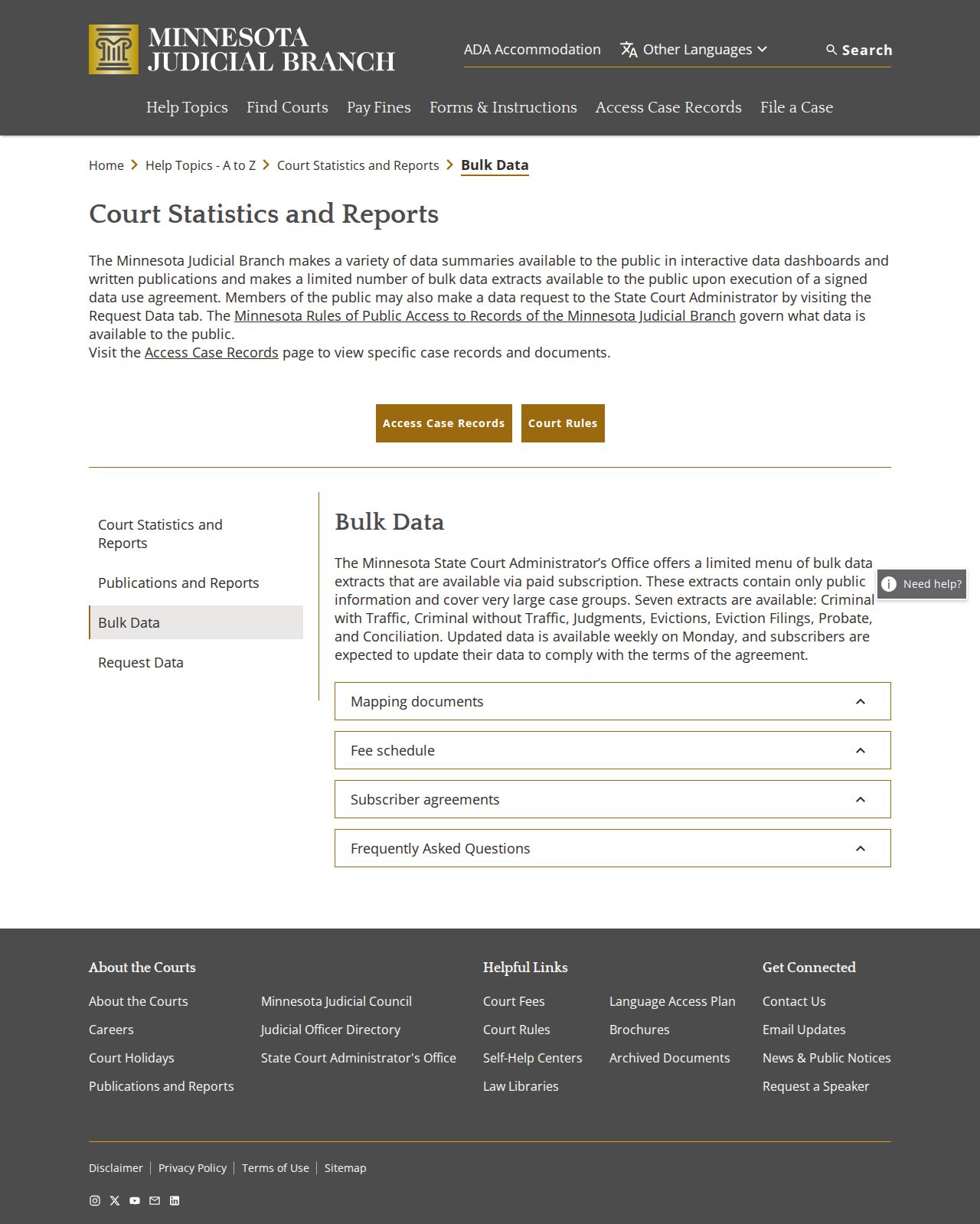
Aggregate court data can tell you how the system works. A Lake County Register of Actions is still the right place to trace one case's procedural history. The difference matters when you need to know what actually happened in a filing, not just the overall pattern.
One more boundary exists. The Judicial Branch restricts Minnesota Government Access to authorized government agencies, so it is not a public substitute for MCRO when you run a Lake County case search.
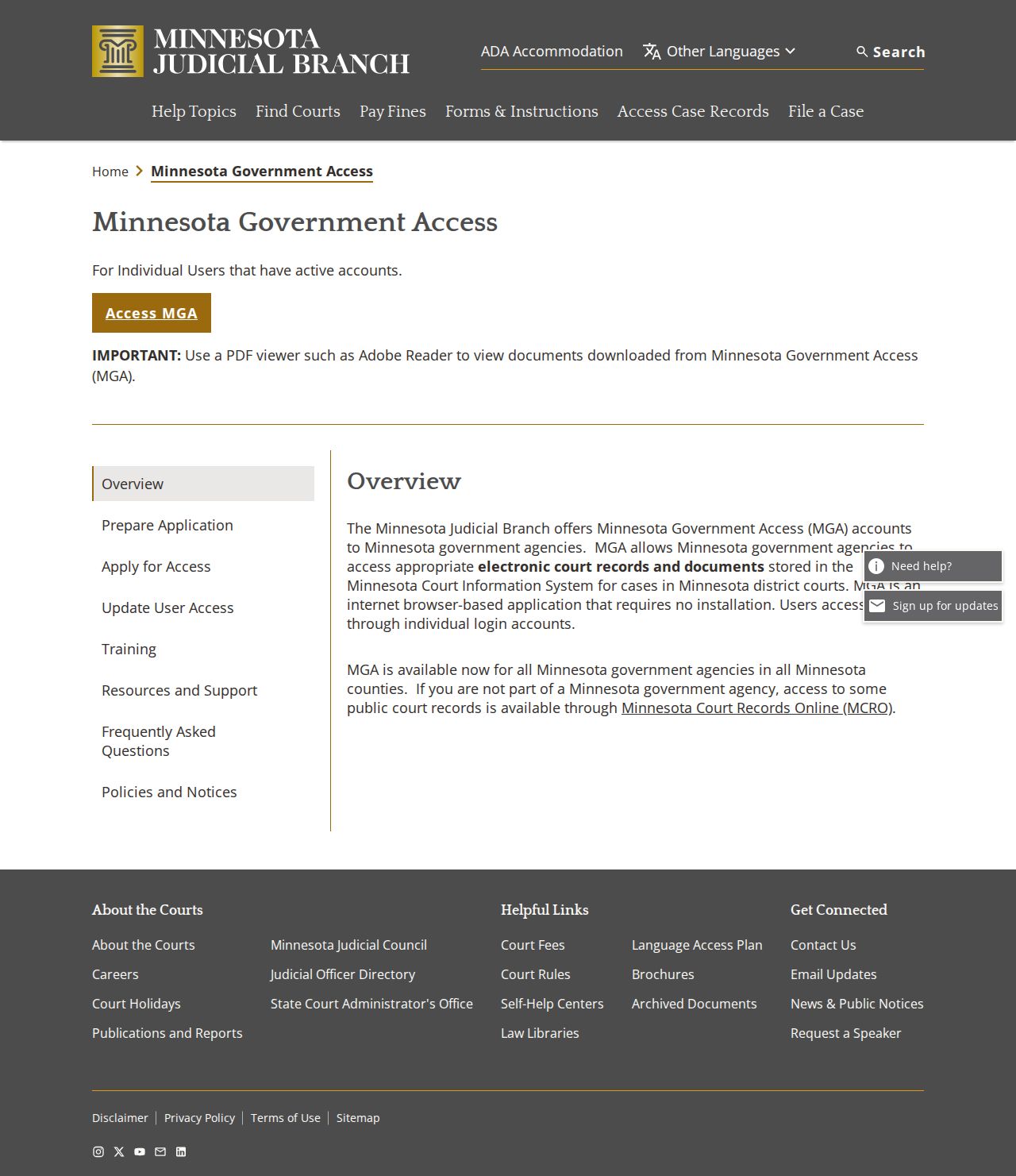
That access line points to a simple fallback. Use the official public channels for a docket search, then ask Lake County Court Administration about any record you still need.